VidFetch
A downloadable tool for Windows
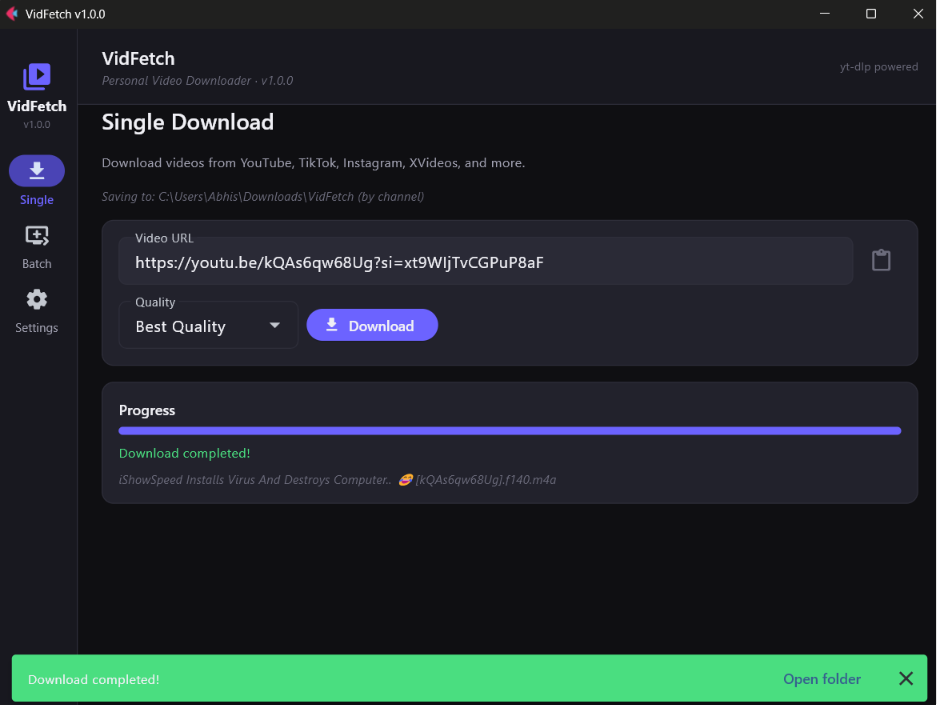
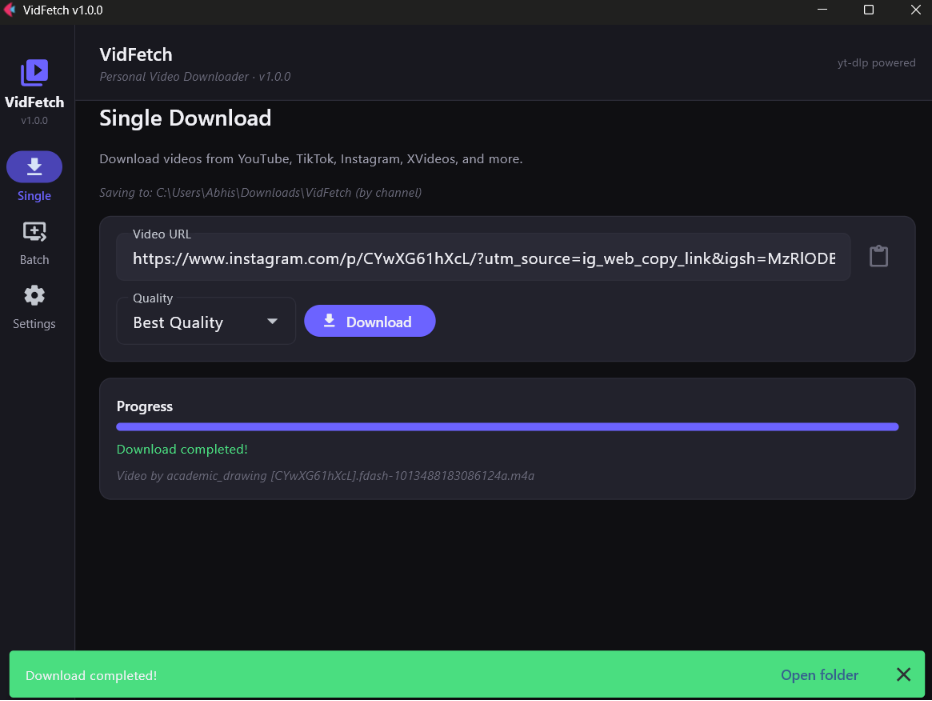
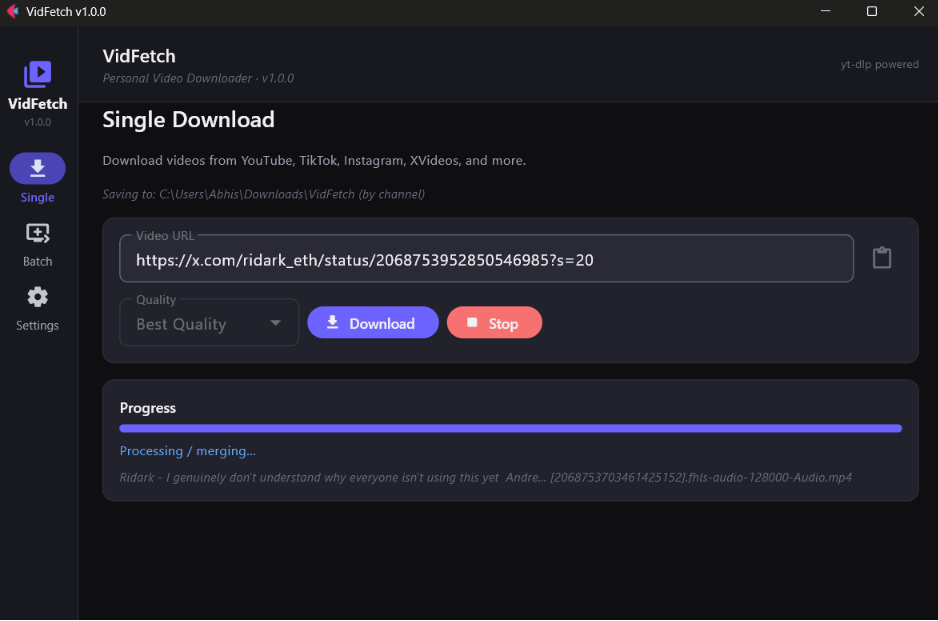
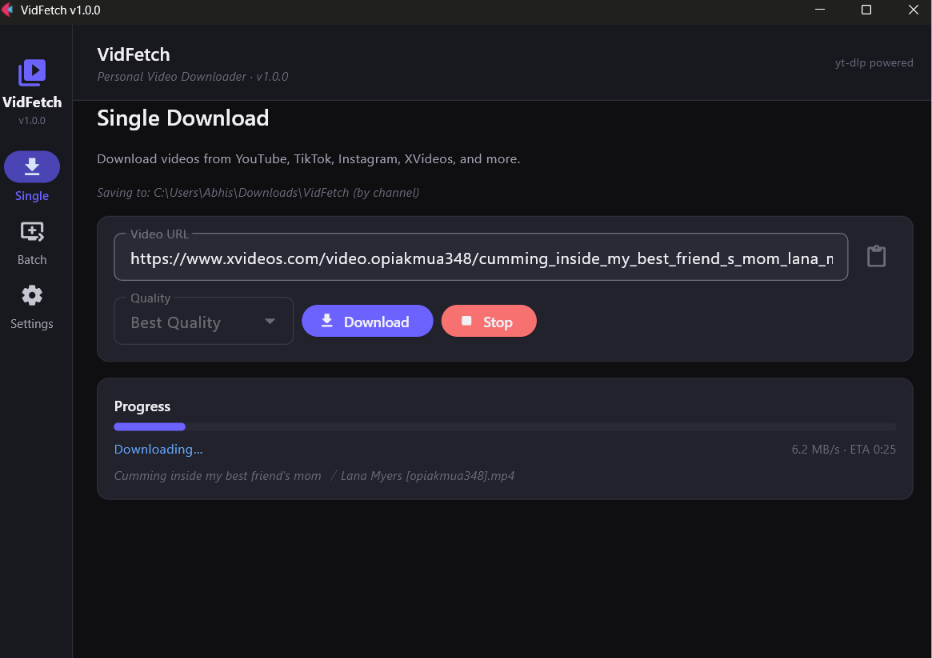
VidFetch is a free Windows desktop app for downloading videos from YouTube, TikTok, Instagram, and hundreds of other sites — powered by yt-dlp.
Features
- Single downloads — paste a URL, pick quality, download
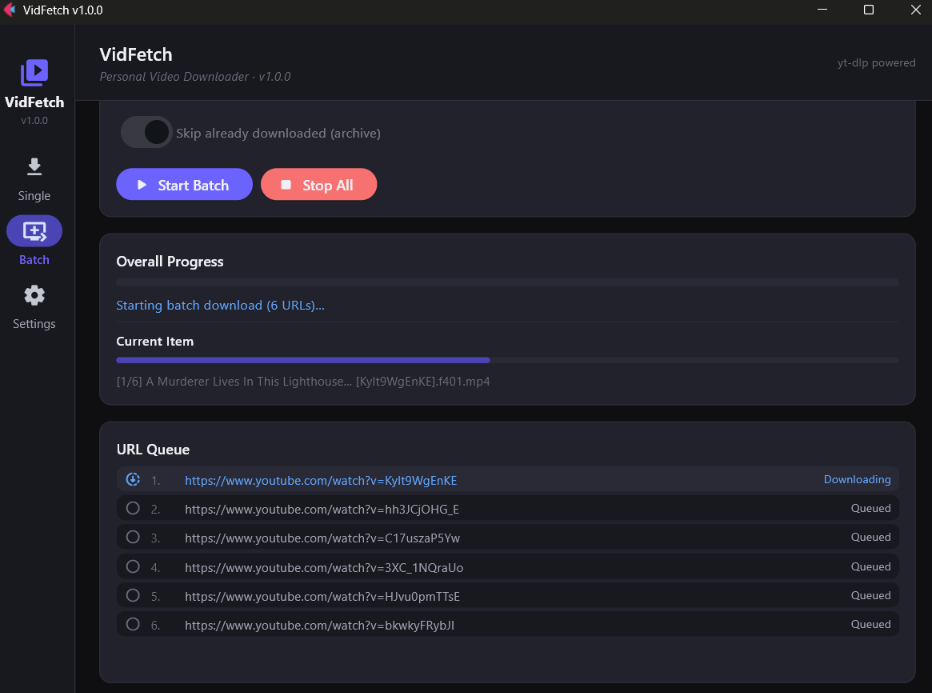
- Batch mode — playlists, channels, or a .txt file with one URL per line
- Quality presets — best, 1080p, 720p, 480p, 360p, or audio-only
- Smart organization — optional channel subfolders and filename templates
- Cookie import — pull cookies from Chrome, Edge, or Firefox for restricted content
- Download archive — skip files you've already downloaded
Installation
- Download VidFetch-Setup-1.0.0.exe below
- Run the installer and follow the prompts
- Launch VidFetch from the Start menu
No admin rights required. FFmpeg is included — nothing else to install.
Windows SmartScreen
Because the app is not code-signed, Windows may show an "Unknown publisher" warning. Click More info → Run anyway.
Legal notice
Only download content you have the right to access. You are responsible for complying with each website's terms of service and applicable copyright law.
Download
Install instructions
Run <span class="ui-markdown__inline-path-filename ui-1heor9g md-inline-path-filename">VidFetch-Setup-1.0.0.exe</span>
Follow the setup wizard
Launch VidFetch from the Start menu or desktop shortcut